The Wrong Inbox: Running a Dual-SIM Voicemail Audit on Your UK Phone
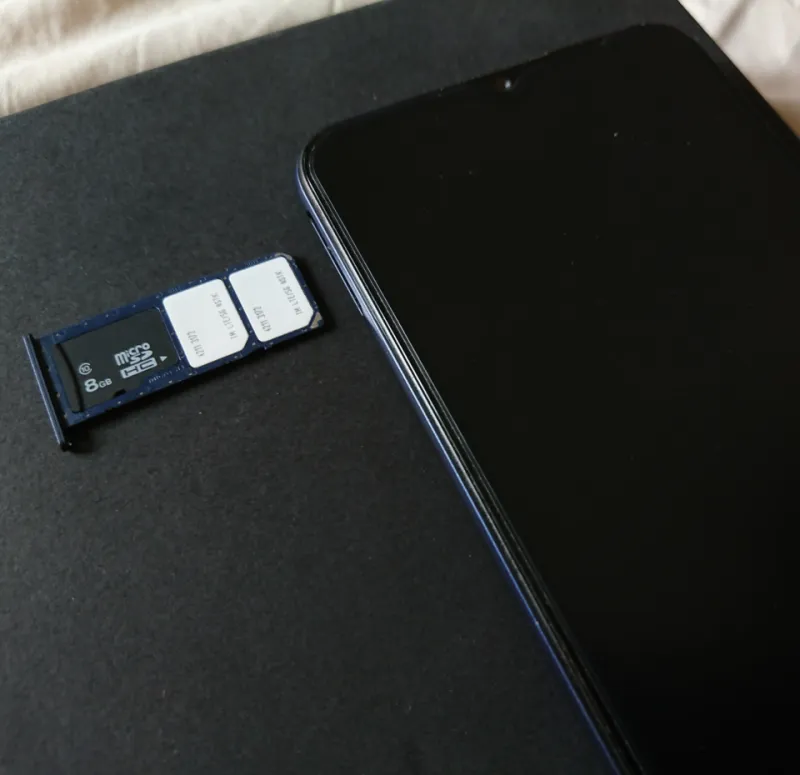
Photo: Paowee, CC BY-SA 4.0, via Wikimedia Commons
Two numbers in one handset should feel efficient. Then somebody leaves a message, a missed-call text arrives from a number you don't recognise, and you spend ten minutes working out whether the beep came from your work SIM, your personal SIM, or a network notification pretending to be important. Voicemail is one of those dual-SIM quirks that looks trivial until it goes wrong. In the UK, the message box is tied to the number, not the SIM slot, and conditional call forwarding is often doing the actual routing behind the scenes. That is why a proper audit is worth the effort.
Why dual-SIM voicemail gets messy
On a single-line phone, voicemail is simple: calls you miss go to one greeting, and one notification tells you about it. With two lines, each number can have its own voicemail service, its own greeting, its own missed-call texts, and its own rules for when a call is forwarded. Your phone may show one voicemail app or two. Your network may send a text instead of a voicemail icon. Visual voicemail may work on one line and ignore the other. None of that is necessarily broken. It is just two separate services sharing one screen.
The confusion usually starts when the lines have different jobs. A work number that rings during office hours should not dump a client message into the same casual greeting you use for family. A personal number should not inherit the serious voicemail script you recorded for your business. And if you use a cheap second SIM as outage insurance, you probably do not want its missed-call alerts cluttering up the notifications you actually rely on.
Step one: label the lines before you dial anything
Start in your phone settings and give each SIM a clear name: Work, Personal, Travel, Backup, or whatever makes sense. Then write down three things for each line: the number, the network or MVNO, and the voicemail access number. That last one matters because EE, O2, Vodafone, Three, and the smaller MVNOs do not all use the same setup. Some voicemail services are accessed by holding the 1 key, some need a short code, and some visual voicemail setups are handled inside the phone's dialler or a network app.
Once the labels are in place, check which line is set as the default for calls, messages, and mobile data. A surprising number of voicemail problems are really default-line problems. If your phone is placing outbound calls from the personal SIM when you meant to use the work line, people will call back on the number they see, and the message will land in the box attached to that number.
Step two: record greetings that do the sorting for you
Distinct greetings are the simplest defence against the wrong inbox. Record a work greeting that names the line and sets expectations: something like 'You've reached the work number for Alex; I check messages during office hours.' Keep it professional but not robotic. Record a personal greeting that sounds like you, and avoid reading out your mobile number or home address. If you travel, you might add a short note about response times, but do not promise a time zone conversion you will forget.
On networks that support separate voicemail greetings per line, set them independently. On networks that do not, or on phones that only expose one visual voicemail inbox, use the greeting itself as the label. Callers should be able to tell from the first sentence whether they have reached the right number. That one sentence prevents a lot of awkward callbacks.
Step three: build a small test matrix
You need a second phone or a willing friend for this bit. Call line one from another handset, let it ring until voicemail picks up, and leave a short test message. Note which notification appears: a voicemail icon, a missed-call text, a visual voicemail card, or nothing at all. Repeat with line two. Then test a declined call, because rejecting a call can behave differently from simply missing it. Finally, test with the phone locked and with it unlocked, since notification behaviour can change.
Keep the results in a note on your phone. A simple table works: line, greeting heard, notification type, delay, and whether visual voicemail showed the message. If one line consistently produces no alert, check whether missed-call texts are disabled or whether the network expects you to dial a short code to activate voicemail. If both lines produce duplicate alerts for the same call, you may be seeing a network missed-call text alongside the phone's own voicemail notification.
Step four: understand conditional call forwarding
Voicemail is not magic. In most UK setups, a missed or busy call is forwarded to the voicemail platform using conditional call forwarding. That forwarding can be configured per line, which is useful, but it also means a work call can be sent to a personal voicemail box if the rules are wrong. The exact short codes and settings vary by network, so check your operator's help pages rather than copying a code from an old forum post. Some phones expose call forwarding inside the SIM settings; others push you to the network.
If you have a work number that should route to a team platform or office phone when you are off shift, set that forwarding deliberately and test it. Do not assume that silencing the work line also stops it from reaching voicemail. Silence is a phone-level behaviour; forwarding is a network-level behaviour. They are different switches.
Step five: stop work calls landing in the personal box
The cleanest setup is to keep greetings, forwarding rules, and notification tones as separate as your phone allows. Use contact groups and focus modes to silence work calls outside hours, but remember that silenced calls can still go to voicemail. If your network supports it, forward the work line to a work destination when you are unavailable, and leave the personal line alone. Check the forwarding status from the work line itself, not from the phone's general call settings, because some dual-SIM phones apply forwarding to the default line unless you choose otherwise.
The five-minute monthly recheck
Voicemail routing is not set-and-forget. It can change after an eSIM transfer, a network switch, a phone software update, or a new visual voicemail app. Once a month, call each line, let it ring, and confirm the greeting and notification. It takes five minutes and saves you from discovering the problem when a client leaves a detailed message in the wrong box. Two numbers, one phone is a good arrangement. It just needs each inbox to know which line it belongs to.