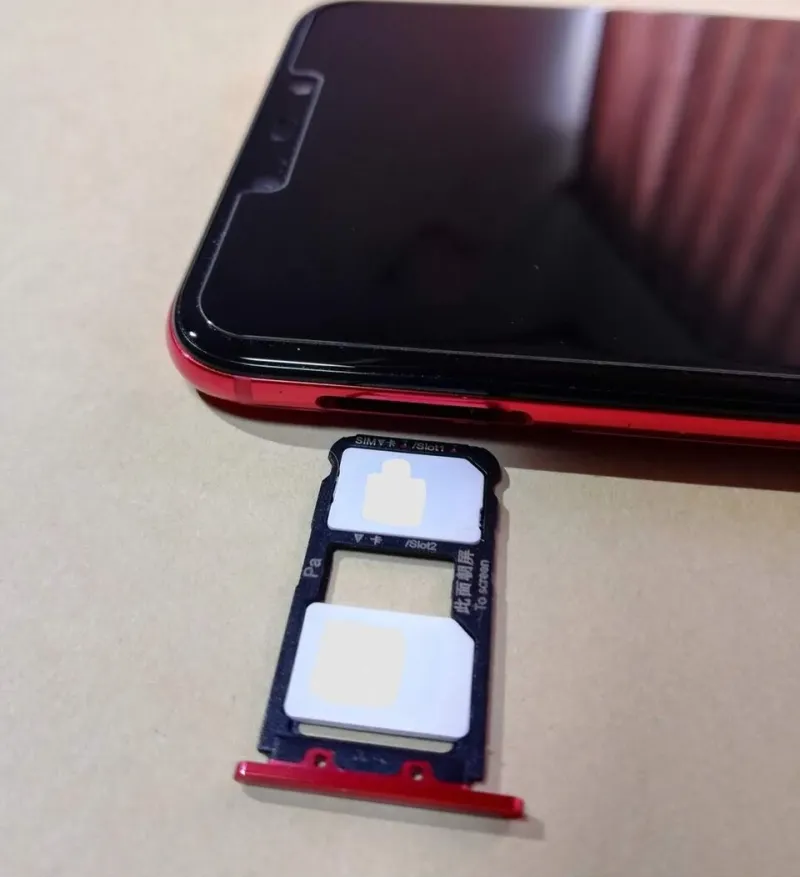
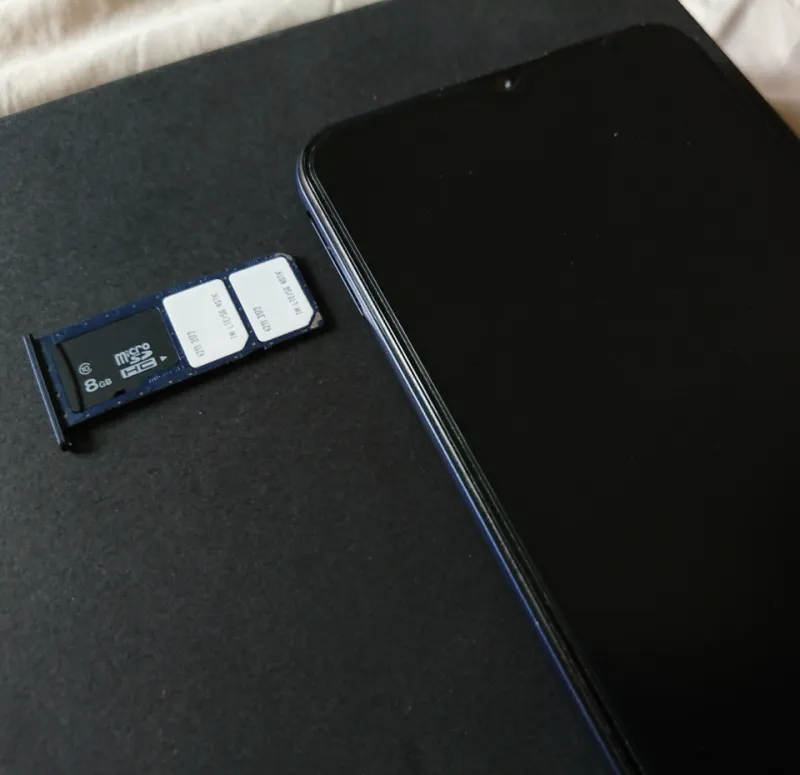
The Two-Line Alarm Drill: Making Sure Both SIMs Catch a UK Emergency Alert
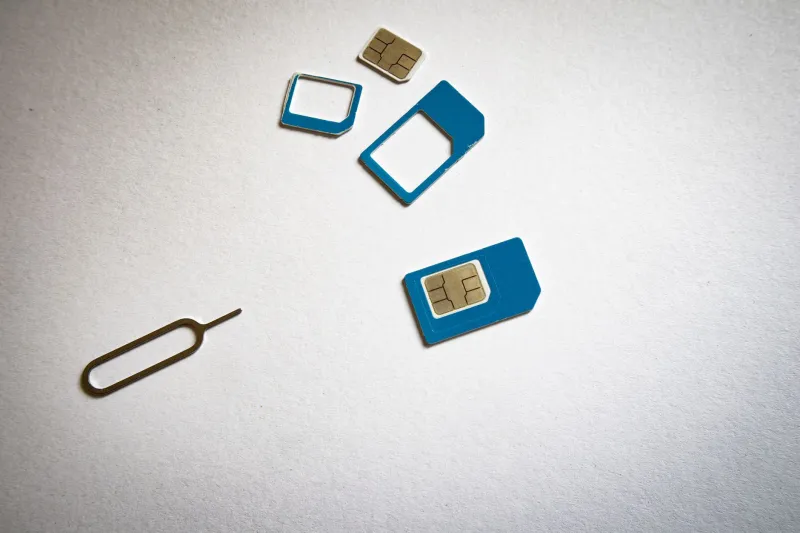
There’s a particular kind of smugness that comes with carrying a dual-SIM phone. Two networks, two numbers, one pocket. Then you remember that the whole point of a backup line is that it works when the primary one doesn’t — and you start wondering whether your second SIM is actually ready for something as serious as a UK Emergency Alert.
Emergency Alerts aren’t a text message. They’re a cell broadcast: a one-way shout from the mobile network to every compatible handset in a given area. No phone number is involved, no data allowance is consumed, and a PAYG SIM with 4p of credit can still receive one. That’s the good news. The slightly less good news is that “compatible handset” and “handset that’s actually configured to make a noise” are two different things, especially when you’ve got two lines and a stack of settings between them.
This is a setup guide, not a scare story. Think of it as a five-minute drill you can run this weekend, before the next nationwide test or a real incident gives you a reason to care.
How the alert actually reaches a two-SIM phone
Here’s the bit that surprises people: Emergency Alerts are delivered at device level, not per SIM. The government doesn’t hold a list of your numbers. The network broadcasts the alert from local masts, and your phone picks it up if it’s camped on a cell that’s transmitting it. If both your SIMs are active and registered, the phone can receive the broadcast via either one. You won’t get two sirens — you’ll get one alert, hopefully via whichever line has the stronger signal at that moment.
That’s the theory. In practice, the redundancy only exists if both lines are genuinely live. A SIM that’s been disabled in settings, an eSIM that failed to transfer properly, or a second line sitting in a “data-only” mode can all undermine the safety net without announcing themselves. The alert system doesn’t care about your careful work/personal split; it just wants a registered handset on a mast.
So the audit starts with a simple question: are both of your lines actually on speaking terms with a UK network right now?
The two-line settings sweep
On iPhone, go to Settings > Notifications > Emergency Alerts. Make sure the toggle is on. There’s no per-SIM switch here, which is fine — but check Settings > Mobile Service and confirm both lines show as active, with the correct carrier names. If one line says “No SIM” or has been switched off, that’s your first fix.
On Android, the path varies by manufacturer. Samsung owners will usually find it under Settings > Safety and emergency > Wireless emergency alerts; Pixel and stock Android users should look under Settings > Safety & emergency > Emergency alerts. You want the main “Emergency alerts” toggle enabled, and — this is the important one — the “Override Do Not Disturb” option switched on if your handset offers it. Otherwise a silent profile can turn a siren into a polite vibration.
While you’re in there, check the per-SIM settings on Android. Some phones let you choose which SIM handles calls, texts, and data, and a few have alert-related toggles tucked away in the SIM settings. If you see an option to receive alerts on a specific line, enable it on both. If you don’t, don’t panic: the device-level setting is the one that matters.
One more thing: make sure neither SIM is in “airplane mode” or manually disabled. It sounds obvious, but dual-SIM users often park a second line in a disabled state to save battery. That’s a perfectly reasonable habit — until it quietly removes your backup safety line.
When one line looks left out
Let’s say both SIMs show signal, the alerts toggle is on, and yet you’ve got a nagging feeling that only one line is pulling its weight. Here’s the shortlist of usual suspects.
First, coverage. Emergency Alerts are broadcast from masts, so a line with one bar of signal in a basement is less likely to catch the broadcast than a line on a network with a mast outside the window. This is exactly why dual-SIM redundancy is useful: EE might be patchy in a rural spot while O2 is fine, or vice versa. You can’t force a test alert, but you can check each line’s signal separately by temporarily disabling one SIM and watching the other.
Second, carrier settings. Old carrier bundles can cause odd behaviour. On iPhone, check Settings > General > About for a carrier settings update prompt. On Android, look for “Carrier settings” or “Update carrier settings” in the network menu. It’s a dull fix, but it occasionally clears up weird registration quirks.
Third, eSIM transfers. If your second line is an eSIM that you moved from an old phone, make sure it’s fully active and not stuck in a pending state. The alert system needs a registered line, and a half-migrated eSIM isn’t one.
Fourth, that “data-only” label. Some MVNOs and second-line plans advertise themselves as data-first, and while Emergency Alerts don’t use data, a line that’s been provisioned oddly may not register for cell broadcast in the normal way. If in doubt, ask the carrier a very specific question: “Will this SIM receive UK Emergency Alerts?” It’s a niche query, but they should know.
A five-minute drill you can run without a siren
You can’t trigger a real Emergency Alert on demand — and you shouldn’t try. But you can verify the pieces that matter.
Start by checking both lines show signal and the correct carrier name. Then make a quick call on each line, just to confirm registration. Check that VoLTE is enabled on both, because the UK’s 3G networks are gone and a line that’s clinging to legacy tech is a line you don’t want to rely on. Then run through the alert toggles one more time, including the do-not-disturb override.
Finally, restart the phone. It’s the IT crowd’s answer to everything, but a reboot forces both SIMs to re-register with their networks and pick up any carrier settings changes. Do it, then check the signal bars again. If both lines are alive, you’ve done the drill.
The second SIM as a safety line
The appeal of dual-SIM is usually practical: one number for work, one for life, or a cheap local SIM when you’re abroad. Emergency Alerts are the less glamorous side of that setup, but they’re a good reminder that a second line is more than a data afterthought. It’s a second chance at a signal when it matters.
So give both SIMs a fair hearing. Check the toggles, check the coverage, and check that neither line has been quietly switched off to save a bit of battery. The siren, when it comes, won’t care which SIM you consider your main one.