Eight Is Not a Magic Number: Working Out Your Phone’s Real eSIM Capacity

Photo: smartphone eSIM settings screen dual SIM profile list UK, via www.test.de
eSIMs feel invisible, which is exactly why we treat them as unlimited. They are not. Your phone has a finite shelf for network profiles, and a dual-SIM handset has a second, separate limit: how many of those profiles can be active at once. Confuse the two and you will eventually stand in a UK airport queue, trying to add a travel data plan, only to discover your phone has no room left.
The bit everyone conflates: stored profiles vs active lines
A dual-SIM phone is usually sold on its ability to run two lines at the same time. That is the active limit. Underneath that, the phone stores eSIM profiles in its secure chip. Think of it like a wallet: you might carry two cards in your hand, but the wallet can hold several more.
How many more depends on the handset, not on the UK network. Many recent iPhones and higher-end Android phones store eight or more eSIM profiles, while some budget models store fewer. The exact figure is buried in the manufacturer’s spec sheet, and it can differ between variants of the same phone. Do not assume that because a handset supports dual eSIM, it has endless storage.
There is also a practical wrinkle: some phones let you keep two lines active, but only one can be the data line at a time. Others let you assign calls, texts and data separately. That flexibility is great, but it does not change the storage cap. A profile you are not using still takes up shelf space.
Why UK networks make this feel more complicated
EE, O2, Vodafone and Three all issue eSIMs, and plenty of smaller UK networks now do too. That is good news for choice, but it also means it is easy to accumulate profiles. You might have a personal line on Voxi, a work line on EE, a backup data eSIM from a travel provider, and a spare Lebara profile you activated for a trial and forgot about.
Work lines add another layer. If your employer manages the phone through mobile device management, the work eSIM may be locked down. You might not be able to delete it, or deleting it might trigger a support call. Check that before you start clearing space in a panic.
Travel eSIMs are the usual culprits. They are cheap, temporary and often disposable, which makes them easy to leave behind. A week in Spain, a weekend in Edinburgh, a short trip to the US: each one can leave a digital ghost in your phone.
What actually happens when you hit the cap
Your phone will usually refuse to add another profile. You might get a vague error, a spinning activation screen, or a message telling you to remove an existing eSIM. This is not a network failure. It is the handset saying the shelf is full.
At that point you have to delete something. The important thing is to understand what deleting an eSIM profile actually does. It removes the profile from your phone. It does not necessarily cancel the line, close the account or stop the direct debit. If you want to end a contract, you still need to contact the network.
Reinstalling a deleted profile is not always a simple undo. Some UK networks let you re-download an eSIM through your account or app, some will send a fresh QR code, and some may charge a replacement fee or require identity checks. A few will not reissue the same profile at all. That is why you should never delete a profile until you know how you would get it back.
A pre-commitment checklist for 2026
Before you sign up to another UK network, run through this lot:
- Check the manufacturer’s eSIM storage figure. Search for your exact model number, not just the marketing name. Look for phrases like ‘number of stored eSIMs’ or ‘eSIM capacity’.
- Count what is already on the phone. On iPhone, go to Settings > Mobile Service. On most Android phones, look under Settings > Network & internet > SIMs or Connections > SIM manager.
- Separate stored from active. Note which profiles are enabled and which are merely sitting in storage. The active limit is usually two, but the stored limit is the one that bites.
- Label every line. Use names like Work EE, Personal Voxi, Travel Japan. Future you will not remember which QR code was which.
- Check work restrictions. If the phone is employer-managed, ask whether you are allowed to remove the work eSIM or add personal profiles.
- Ask the network’s reissue policy. Specifically: if I delete this eSIM, can I get it back, how much does it cost, and how long does it take?
- Save the activation details. Keep QR codes and activation emails in a password manager or a secure note. Do not rely on the original email sitting in an inbox you rarely check.
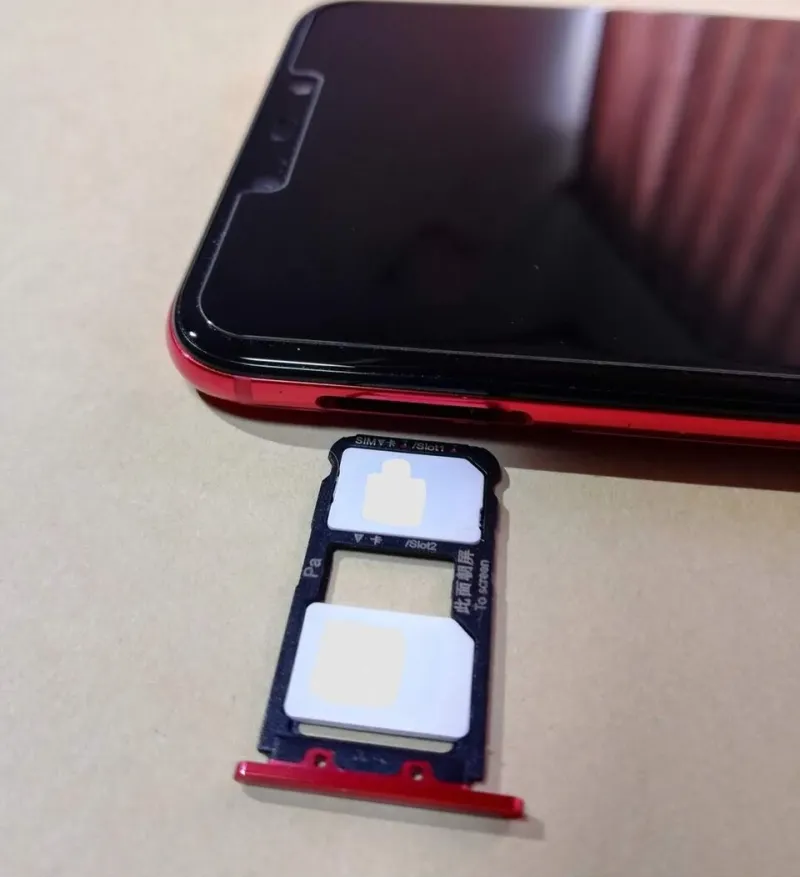
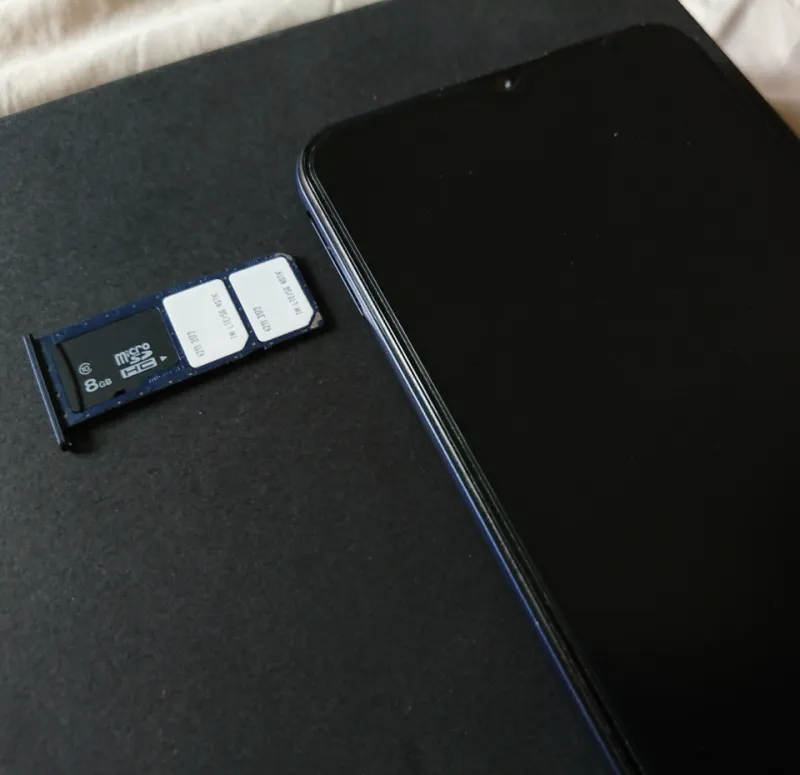
- Use the physical slot for your permanent line if you can. A physical SIM does not eat into eSIM storage, and it is easier to move to another phone in an emergency.
- Clear old travel profiles first. Expired holiday data plans are the safest thing to remove when you need space.
- Test with a low-stakes eSIM. If you are unsure how your phone behaves, try adding and removing a cheap travel profile before you rely on it for a work line.
How to swap lines without deleting the one you need
The sensible setup for most people is to keep the permanent personal line on the physical SIM, put the work line on an eSIM, and use the remaining eSIM storage for travel or backup data. When you need to add a new travel profile, remove the oldest travel profile rather than touching work or personal.
If you must remove a line, do it in this order: expired travel eSIM, trial eSIM you never use, secondary data eSIM, then work or personal only as a last resort. And before you delete anything, confirm you can reinstall it. A quick web chat with the network is less painful than losing your bank’s one-time passcode line on a Friday afternoon.
Your phone’s eSIM shelf is bigger than its active-line slots, but it is not infinite. Treat it like a wallet, not a warehouse, and you will avoid the most annoying dual-SIM problem of all: needing a new line at exactly the moment your phone says no.