The Line That Looks Alive: A VoLTE and Wi-Fi Calling Health Check for Your Second SIM
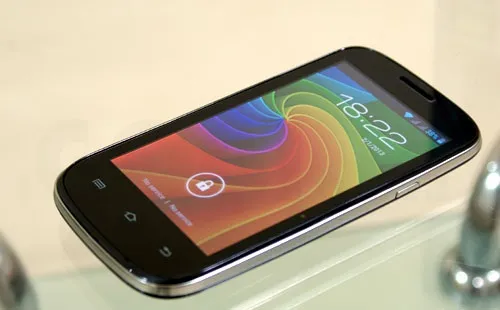
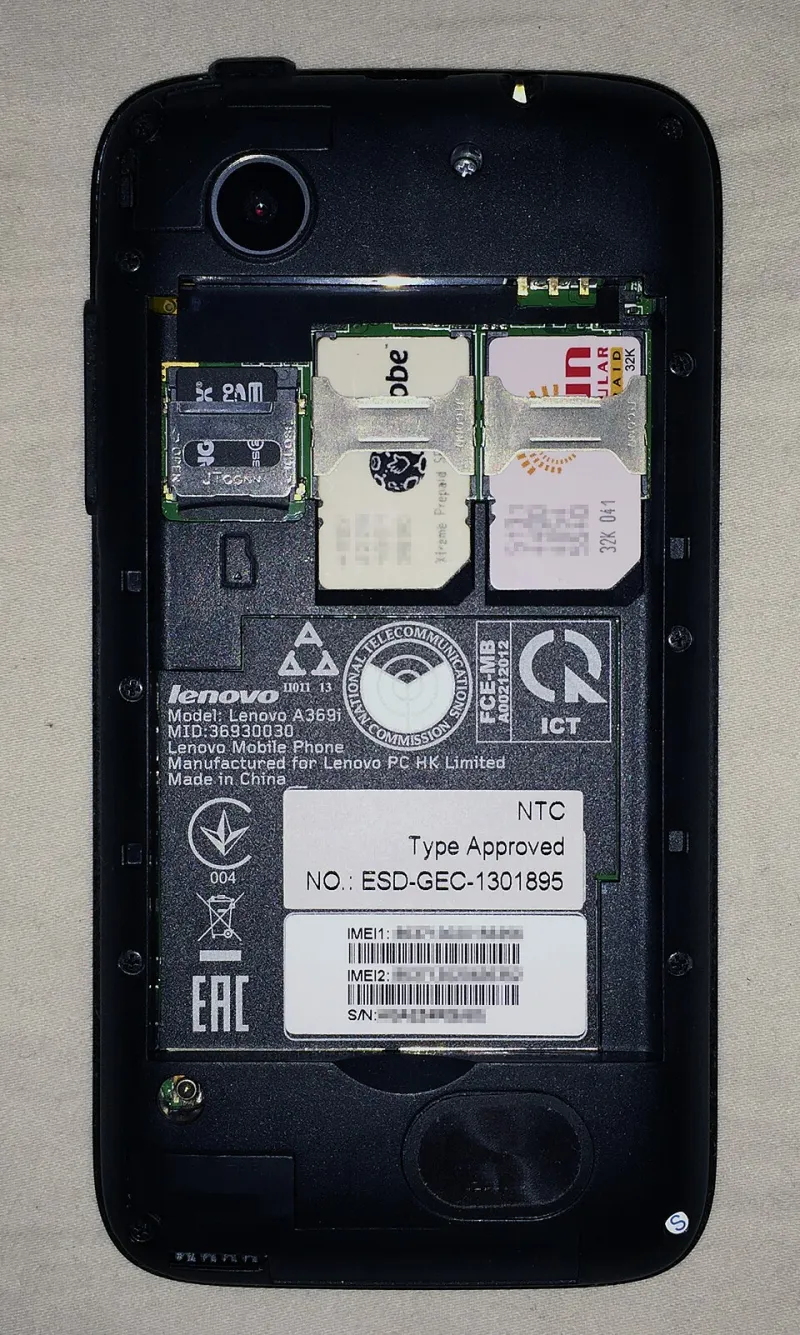
Photo: Svrdr, CC BY-SA 3.0, via Wikimedia Commons
You know the sight: two signal bars in the status bar, mobile data working nicely on both lines, and yet the moment you try to ring the dentist from your backup number you get a flat "Call failed" or a message about not being registered on a network. The SIM isn't broken. The network isn't down. What you've almost certainly got is a line that has data but no voice, and in 2026 that's a very specific, very fixable class of problem.
Let's dig into why it happens and how to chase it down.
Why a line can have data but no calls
Voice on modern UK networks doesn't travel the way it used to. With 3G switched off across all four networks and 2G living on borrowed time, almost every call you make now rides on VoLTE — voice over LTE — or on Wi-Fi calling when the signal indoors is grim. Both of those are built on something called IMS, the IP Multimedia Subsystem, which is the network's voice engine for the data era.
Here's the bit that trips people up: IMS registration happens per SIM, per slot. Your handset has to negotiate an IMS session for each line separately, and the network has to agree to it. If either side says no — because the phone isn't on the network's approved list, because the carrier profile is stale, or because your particular chipset only registers one slot at a time — then that line falls back to legacy voice. And if there's no legacy voice to fall back to, you've got a data-only SIM pretending to be a phone line.
The three usual suspects
1. The handset isn't on the network's IMS list. This bites hardest with MVNOs. A network's IMS core often only lets through devices it recognises, and an imported or unusually cheap handset can get refused even though the SIM is perfectly good. Voice over Wi-Fi tends to be the first casualty.
2. Per-slot radio limits. Plenty of mid-range and budget phones will happily do VoLTE on the primary SIM while the secondary slot drops to 2G or simply doesn't register for IMS. Some only let one line use Wi-Fi calling at a time. It's not a bug, it's a cost-saving chipset decision, and it's rarely mentioned on the box.
3. Stale carrier settings. iPhones need a carrier settings update; Android handsets lean on a carrier config bundle and a set of APNs. If the IMS APN is missing or the profile predates your network's latest changes, registration quietly fails.
Diagnosing on Android
Start with the obvious toggles. Head to Settings → Network & internet → SIMs, tap each line, and look for 4G calling / VoLTE and Wi-Fi calling. If those switches don't exist for a line, that's your answer already — the phone doesn't believe that SIM can do it.
Next, the geeky bit. Open the dialler and type *#*#4636#*#*. Choose Phone information, then pick each SIM from the dropdown and read the IMS registration line. REGISTERED is good. NOT_REGISTERED or REGISTRATION IN PROGRESS that never resolves means the network has turned you away.
Then force the issue. Temporarily set that slot's preferred network type to LTE only. If calls still work, VoLTE is genuinely up. If they fail instantly, you've confirmed the line is running on legacy voice or nothing at all.
One more check worth doing: look at your APN list for an IMS entry. Some handsets hide it, but a missing IMS APN is a reliable sign that VoLTE was never going to work on that line.
Diagnosing on iPhone
iOS is tidier but less forthcoming. Go to Settings → Mobile Service, pick the line, and check whether Wi-Fi Calling and the voice-and-data options are present. Then visit Settings → General → About and leave the screen open for a moment — if a carrier settings update is waiting, iOS will offer it there. Accept it, restart, and retest.
Apple doesn't give you an IMS status readout, so you'll be testing behaviourally. Turn Wi-Fi off, put the suspect line as the active data line if you can, and try an outbound call. Then try an inbound one from another phone while the other line is busy on data. If inbound works but outbound doesn't, that's a provisioning problem on the network side rather than a handset one.
Check what the network actually promises
Before you spend an evening swearing at your phone, look up the network's own VoLTE and Wi-Fi calling support pages — and look specifically for a device list. EE, O2, Vodafone and Three all publish one, and the MVNOs riding on them vary wildly. Some MVNOs now support VoLTE and Wi-Fi calling properly; others support one but not the other; a few still rely on the host network doing the heavy lifting with no guarantees for unusual handsets. If your phone isn't listed, ask support to enable IMS for your line anyway — it sometimes works, and it costs nothing to ask.
Test on a quiet Tuesday, not at A&E
The single most useful thing you can do is run a proper test while nothing is at stake:
- Ring your second line from a landline or a friend's phone, and ring out from it.
- Repeat with the other line active on data at the same time.
- Put the phone in aeroplane mode, re-enable Wi-Fi only, and confirm Wi-Fi calling kicks in.
- Try a call in a spot where that network's signal is weak but not absent.
- Check which line your phone would use for an emergency call, and make sure that line can actually place one.
That last point matters more than it sounds. Emergency calls will hop onto any available network, but if the handset has no voice path at all on the active line, you're relying on fallback behaviour you've never tested.
The fix list, in order
- Update carrier settings or the carrier services app.
- Toggle VoLTE and Wi-Fi calling off and on for that specific line.
- Reset network settings (you'll lose saved Wi-Fi passwords — worth it).
- Swap the two SIMs between slots and see whether the problem follows the SIM or the slot.
- Ask the network to re-provision IMS on the line.
- If it's an eSIM, ask for a fresh activation — half-finished eSIM profiles are a classic cause of one-way voice.
- If all else fails, accept it and route calls to that number via forwarding or a VoIP app.
None of this is glamorous, but it's the difference between a second line you trust and a second line you've never actually rung. Test it this week — the emergency you're preparing for won't wait for a carrier settings update to install.