Six Digits, Wrong SIM: Fixing Bank OTP Texts on a Dual-SIM Phone
Bank texts are supposed to be the boring bit of mobile life. You tap send code, a six-digit number arrives, you type it in, done. Add a second SIM and that tiny handoff can turn into a small administrative drama: the code lands on your work line, your banking app insists the number is wrong, or nothing arrives at all while the timer counts down.
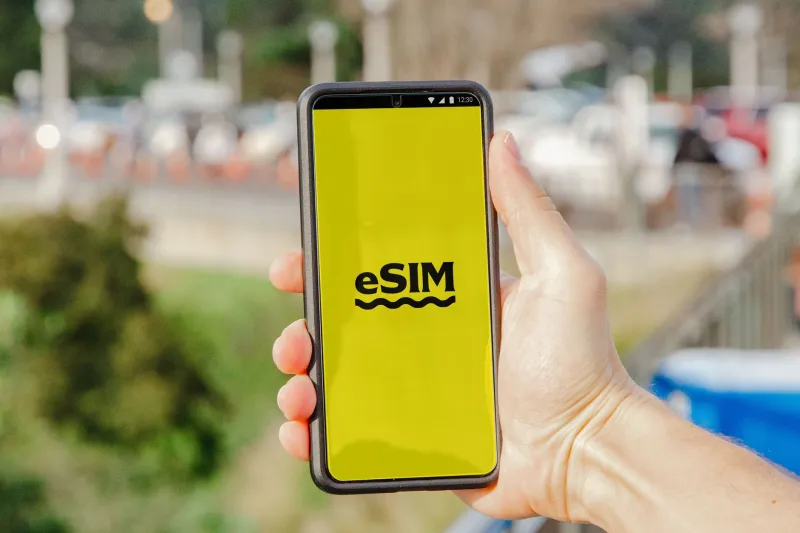
In 2026, dual-SIM is normal — a physical nano-SIM plus an eSIM, or two eSIMs on newer handsets. But one-time passcodes are still mostly SMS, and SMS still follows the handset's default-line rules rather than your intentions. Here is how we set up a two-number phone so bank alerts and 2FA texts stay on the line that matters.
First, name the failure
Not every OTP problem is the same. Before you start changing settings, work out which one you have:
- The code arrives, but on the other SIM. That is usually a default SMS line issue.
- The code never arrives. That can be a default line issue, a shortcode problem, a banking-app registration mismatch, or a network quirk.
- The code arrives late, or only after you request it twice. That points more towards network delivery or sender-ID filtering than your SIM settings.
- The banking app says the number does not match. That is an account-registration problem, not an SMS routing problem.
Write down which one you are seeing. It stops you from fiddling with the wrong switch for an hour.
Set the default SMS line deliberately
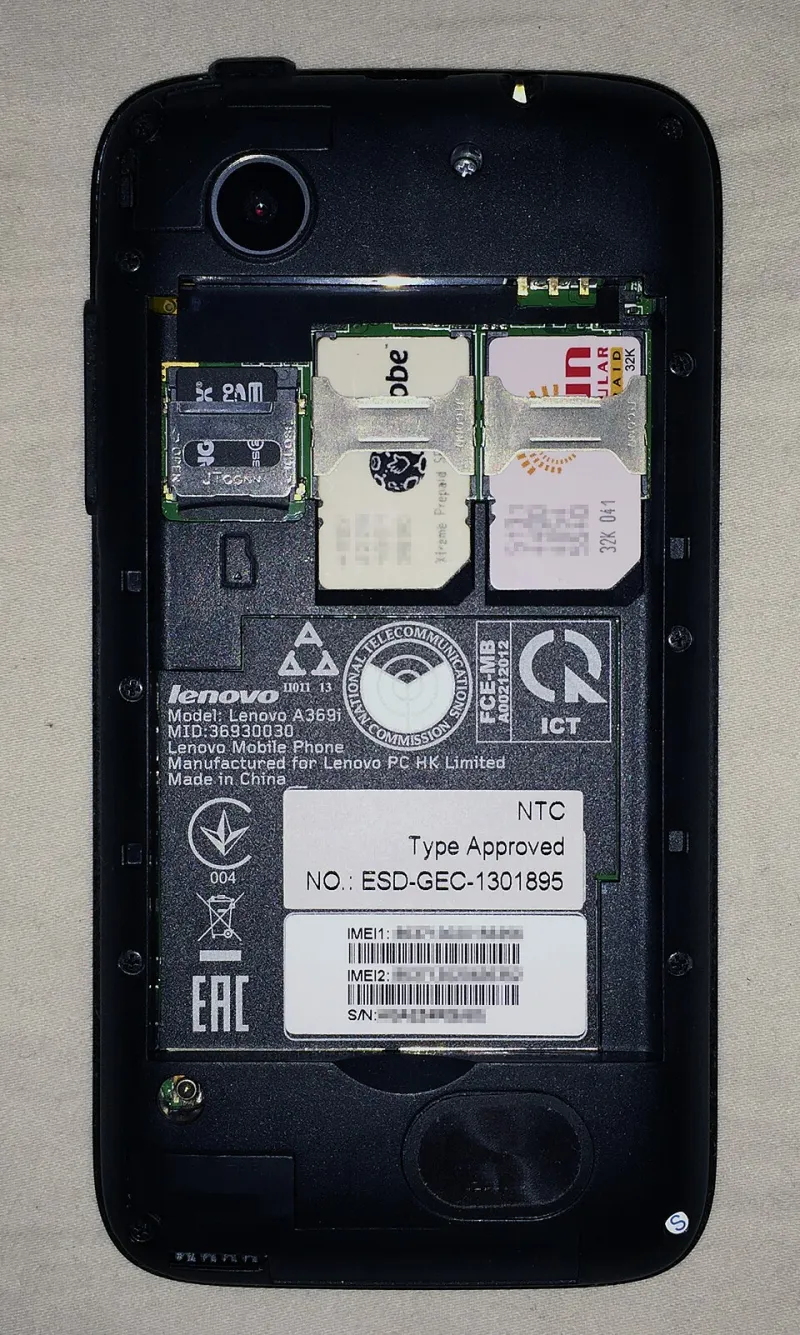
On Android, the setting is usually under Settings > Network & internet > SIMs > Default SMS SIM. Some manufacturers bury it under Connections or SIM card manager, but the idea is the same: pick the SIM you want to handle ordinary SMS. Label the SIMs clearly as Personal and Work while you are there. It sounds trivial, but a phone that says SIM 1 and SIM 2 is a phone that invites mistakes.
On iPhone, the default voice line is also used for SMS and MMS. Check Settings > Cellular > Default Voice Line. For iMessage, look at Settings > Messages > Send & Receive and make sure the numbers and Apple ID addresses you expect are ticked. Bank texts are SMS, not iMessage, but keeping the Apple side tidy avoids confusion when friends and family message you on the wrong number.
Also check the default mobile data line separately. It is tempting to let the cheap data SIM handle everything, but data and SMS are different jobs. A phone can send texts on one line and use data on the other, and that is often exactly what you want.
RCS and iMessage: the bits that do not follow the rules
RCS in Google Messages can be tied to the SIM you use for data, and dual-SIM RCS support varies by handset and carrier. Most UK banks still send OTPs by SMS, not RCS, but if you have RCS chats enabled and your default data line changes, the messaging app can feel like it is playing favourites. If an OTP thread behaves oddly, switch RCS off temporarily and test again. It is a quick way to rule out the messaging layer.
iMessage is Apple's own system. Bank texts are SMS, so iMessage should not intercept them. But iMessage can muddy the picture if contacts message your Apple ID rather than your phone number. If your bank has your number and your friend has your Apple ID, you are testing two different delivery paths without realising it.
The banking-app handshake
Most banking apps check the number registered to your account. If you set the app up with your personal number and then make your work SIM the default SMS line, a silent verification text may go to the wrong place. Update the registered number in the app or online banking before you blame the network. Some banks make this easy; others want a card reader, a phone call, or a visit to a branch. Do it once, properly, and note which number is now the trusted one.
Avoid swapping SIMs around after setup unless you have to. Moving an eSIM between phones or changing which slot a SIM lives in can upset SMS routing for a few minutes. Do not panic-delete the plan. Give it time, then test.
Shortcodes, sender IDs and MVNO quirks
Some MVNOs handle shortcode SMS less gracefully than the big four. Bank alerts often come from shortcodes or alphanumeric sender IDs, and a budget second line that is brilliant for data can be oddly quiet when a bank tries to send a code. If your second line is an MVNO, test the bank's send code button before you rely on it for anything important.
If nothing arrives, ask the MVNO support team directly whether shortcode SMS from banks is supported on your plan. Do not accept a vague answer about texts working generally. You want to know about application-to-person messages and shortcodes.
A step-by-step checklist
- Label both SIMs in settings as Personal and Work.
- Set the default SMS SIM to the line your bank knows.
- Set the default mobile data SIM separately, even if it is the same line.
- Confirm the number your bank has is the number on the SIM you want to receive OTPs.
- Send a test SMS from another phone to each number and reply. Check which thread appears.
- Request a fresh OTP from the bank. If it lands on the wrong line, fix the default SMS setting first.
- If nothing arrives, try the SIM in the other slot, if your handset allows it.
- Check shortcode support with your MVNO or main network.
- Disable RCS temporarily and retest.
- If you are still stuck, call the bank. Repeatedly requesting codes can lock the account or trigger fraud checks.
When to stop fiddling and call the bank
If the checklist fails, the problem may not be your phone at all. Banks can block codes to numbers they do not recognise, and some fraud systems are twitchy about new devices or recently ported numbers. Ask the bank to confirm the registered number and to reset the trusted-device status if needed. Then test once, calmly, rather than hammering the send code button.
A dual-SIM phone should make life easier, not turn every login into a detective story. Set the SMS line on purpose, keep the bank's records straight, and test the shortcode path before you need it. Six digits should be boring again.