The Handover Protocol: Pairing a UK SIM With a Local eSIM for Your Next EU Trip

Roaming in the EU is no longer the simple 'it just works' affair it was a few years ago. In 2026, many UK operators still include some EU roaming, but fair-use caps, daily charges and speed limits are common. A local eSIM is the obvious workaround: buy a chunk of data for the country you are visiting, keep your UK number alive for calls and texts, and stop the meter running. The trick is getting the two lines to share the job properly before you leave.
Here is the configuration I would use for a week in France, Spain, Germany or anywhere else in the EU. It is not the only way to do it, but it is a sensible default for a UK handset with one physical SIM and one eSIM, or two eSIMs.
First, decide who does what
Think of your UK line as the identity line. It is the number your bank knows, the one your family will ring, and the one that receives the SMS code when you try to approve a payment from a sun lounger. The local eSIM is the data line. Most travel eSIMs are data-only, so they cannot receive ordinary SMS or calls. That is fine as long as you do not expect them to.
If your local eSIM does include a phone number, treat it as a bonus rather than the main event. Incoming calls on a foreign number can be expensive for the person ringing you, and some local plans charge for incoming calls too. Use it for local calls if the rates make sense, but keep the UK line as your public-facing number.
The golden rule: data on the local line, texts on the UK line
The core setup is simple. Set your default mobile data line to the local eSIM. Turn off mobile data and data roaming on your UK SIM. Turn on data roaming for the local eSIM. Set your default voice line to the UK SIM. Set your default SMS line to the UK SIM as well.
On iPhone, that means going into Mobile Service, choosing your local eSIM for Mobile Data, and making sure Allow Mobile Data Switching is off. Then set Default Voice Line to your UK SIM. On Android, the labels vary by manufacturer, but look for SIM settings, then Default Mobile Data, Calls and SMS. Pick the local eSIM for data and the UK SIM for calls and texts.
The reason for being strict about this is accidental charges. If your UK line is set as the data line, your phone may quietly use a tiny amount of roaming data for background tasks. Depending on your operator, that can trigger a daily charge or eat into a fair-use allowance. Turning data off on the UK line and leaving it available for calls and SMS keeps the important bits working without the meter running.
Keeping bank OTPs on the right number
Before you leave, open your banking apps and check which number is registered. Then send yourself a test text from another phone, or use the bank's own testing tool if it has one. The code should arrive on the UK line. If it does not, fix it at home rather than in a hotel lobby at 11pm.
Do not remove your UK SIM or delete your UK eSIM just because you are using a local data plan. Keep the UK line active for the whole trip. If your phone has a physical SIM slot and an eSIM slot, leave the UK SIM in place and add the local eSIM alongside it. If both lines are eSIMs, make sure both are enabled and labelled clearly.
Set your default SMS line to the UK SIM. Incoming texts should arrive on the SIM whose number is being texted, but some phones and some messaging setups can get confused if the local eSIM is selected as the default. A two-minute check before you fly is cheaper than a failed card payment abroad.
Fair-use limits: read the small print
The EU's roam-like-at-home rules do not automatically apply to UK operators since Brexit. Many UK networks still include EU roaming as a commercial feature, but it is not a legal guarantee. Check your operator's current terms for the countries you are visiting. Look for the fair-use data allowance, any daily charge, and whether speeds are throttled after you hit a cap.
Then check the local eSIM. When does it activate? Does it start on purchase or on first connection? How much data do you get, and is hotspot use allowed? Which networks does it roam on? Does it include a phone number or is it data-only? If you are away for a long weekend, your UK line's inclusive allowance may be enough. For a two-week trip with maps, video calls and photo backups, a local eSIM usually wins on cost.
Pre-departure checklist
- Check your phone is carrier-unlocked and supports the eSIM you have bought.
- Confirm how many eSIM profiles your phone can store and how many can be active at once.
- Note your UK operator's EU roaming terms, fair-use cap and any daily charges.
- Buy and install the local eSIM before you travel, but do not activate it too early if the clock starts on installation.
- Label the lines in settings as UK and Travel so you do not mix them up.
- Set default data to the local eSIM and default calls and SMS to the UK SIM.
- Turn off data roaming on the UK line and enable it on the local eSIM.
- Test a bank OTP and a call to your UK number before departure.
- Download offline maps and save the local emergency number.
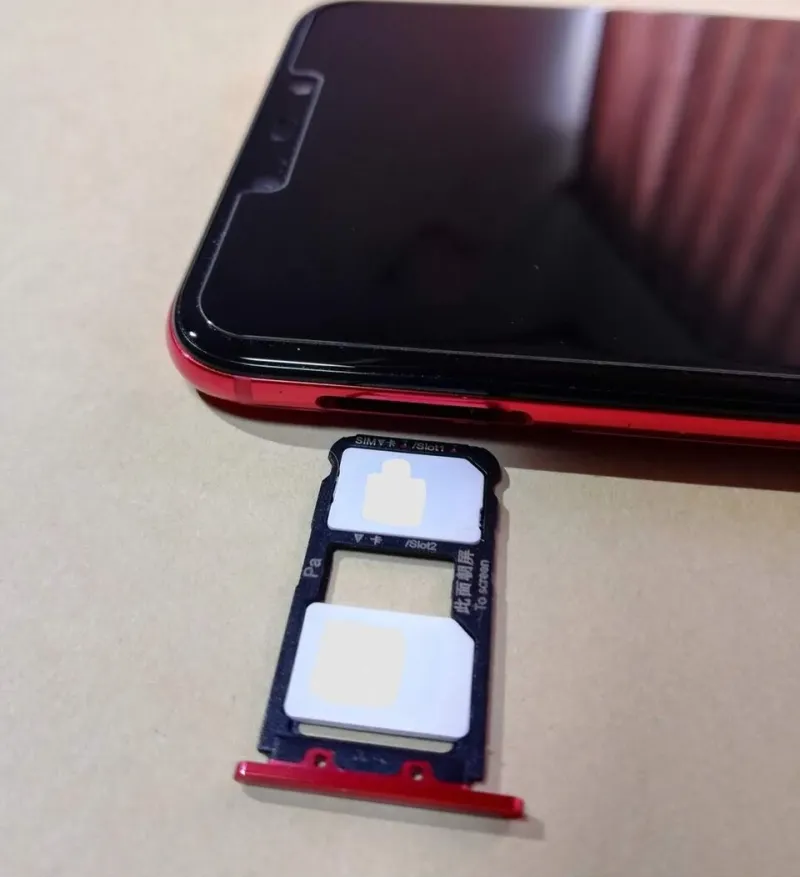
- Pack a SIM ejector if your UK line is physical.
Common mistakes
Setting the local eSIM as the default SMS line and then wondering why bank codes are not arriving is the classic one. Data-only eSIMs cannot receive SMS, so they should never be your text line. Another is leaving data roaming on for the UK SIM and getting a daily charge for background data. A third is buying a local eSIM that activates on purchase and expires before the trip starts. Check the activation window.
Also watch out for the assumption that every travel eSIM includes a phone number. Many do not. If you need to make local calls, either buy a plan with voice or use a VoIP app over data. And do not forget that your phone may support dual SIM standby rather than dual active, which means one line may not be reachable while the other is using data. For most travellers that is fine, but check if you are waiting for an important call.
After you land
Turn off the UK line's data if it is not already off. Enable the local eSIM and wait for it to register on a network. Run a quick data test, then send a text to your UK number from another phone to confirm the UK line is still receiving. Make a short call over the local eSIM if it has voice, or use WhatsApp for a check-in. Keep the UK line active for the whole trip, and resist the urge to switch the default SMS line just because the local eSIM looks tidier in the settings menu.
Get this handover right and you get the best of both worlds: a familiar UK number for banks and family, and local data without the roaming bill shock. It is not glamorous, but neither is a failed payment at the airport.