The Rescue Line Rehearsal: What Happens When Your Two-SIM Phone Goes Missing
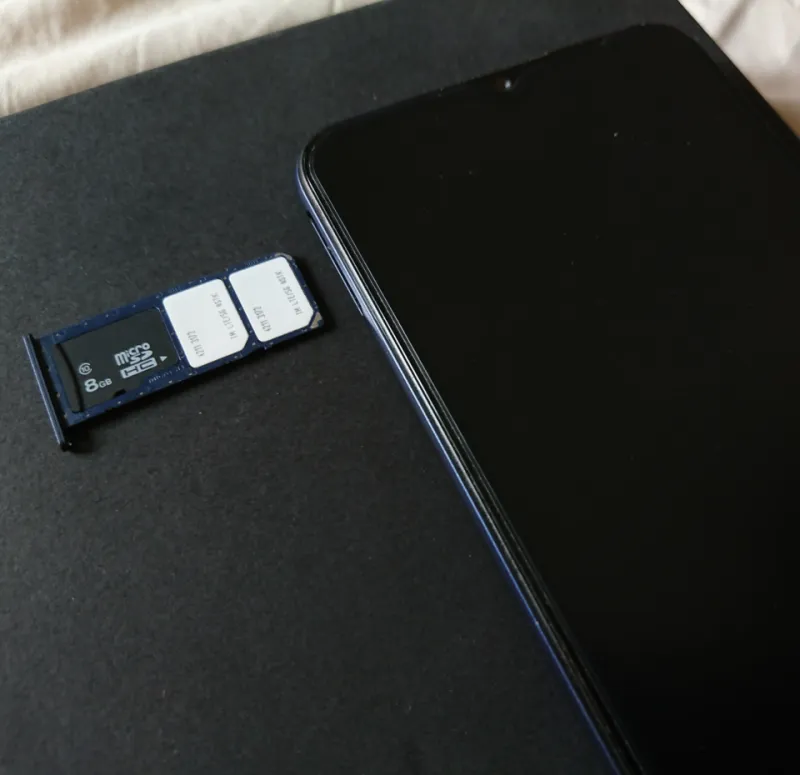
Photo: Paowee, CC BY-SA 4.0, via Wikimedia Commons
Losing a phone is annoying. Losing a phone that holds your work number, your personal number, your bank approvals and your train ticket is a small administrative emergency. The dual-SIM twist is that one of those numbers is supposed to be your safety net — and if both SIMs live in the same handset, the net has a hole in it.
This is a rehearsal, not a lecture. Set a timer for 20 minutes, grab a laptop and a cuppa, and find out which of your lines would actually answer the rescue call.
Step One: Name Your Rescue Line
Apple and Google both ask for a trusted phone number. If your only trusted number is in the lost phone, you are locked out of the very account you need in order to lock the phone. Same for bank one-time passcodes. On iPhone, go to Settings > your name > Sign-In & Security. On Android, open your Google Account > Security > How you sign in. Check which number is listed. If it is the number in slot one or the eSIM in slot two, change it to a number that lives somewhere else — a partner's phone, a desk phone, a cheap PAYG SIM in a drawer. That is your rescue line.
Step Two: The 20-Minute Drill
- Write down the IMEI. On iPhone it is under Settings > General > About; on Android it is under Settings > About phone. Note both mobile numbers and which slot they occupy.
- Open Find My on iPhone or Find My Device on Android. Confirm the handset is listed. Then log in from a laptop and check you can see it there too.
- Try Mark as Lost or Secure Device from the laptop. You do not have to leave it switched on; just confirm the button works. Samsung owners should look in SmartThings Find.
- Log into your carrier account. Can you remember the password? Is the recovery email one you can reach without the phone? If not, fix that tonight.
- Open your banking apps. Which number receives the passcode? If it is the lost line, you will be doing a lot of identity verification on the phone. Switch to in-app approval or add a second number.
- Check your work two-factor authentication. If it is SMS to the work SIM, tell IT now rather than after the fact.
Physical SIM vs eSIM: The Bit People Get Wrong
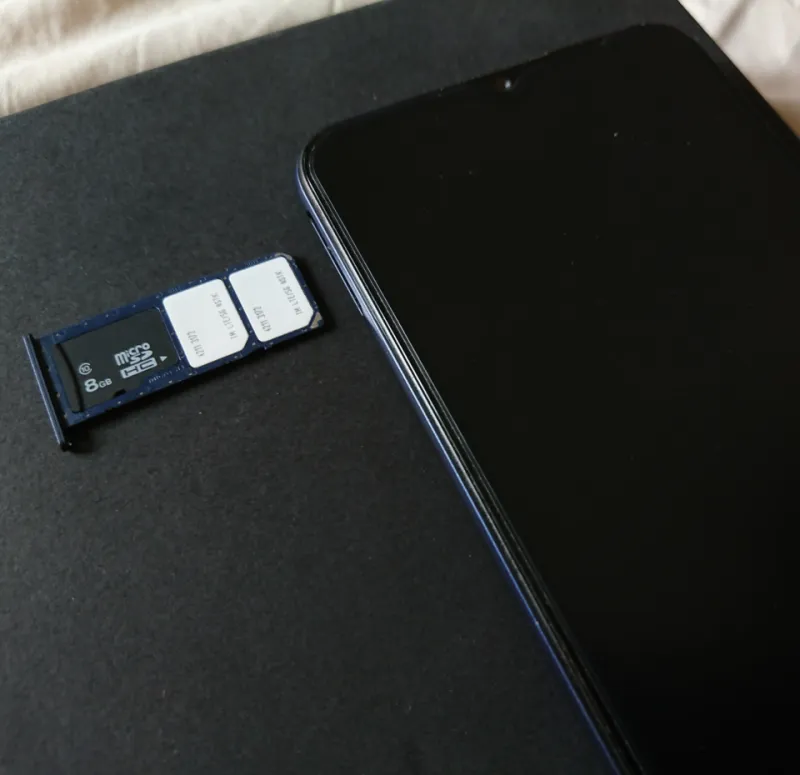
A physical SIM is a plastic chip. If the phone is stolen, the thief can pop it out and put it in another handset. That is why you need your carrier to block it fast — and why you should ask them to blacklist the IMEI too. In the UK, EE, O2, Vodafone and Three all have lost-and-stolen processes. From another phone, call the standard customer service number; from the lost phone itself, if you still have it, you can dial 150 for EE, 202 for O2, 191 for Vodafone or 333 for Three. MVNOs such as Giffgaff, Tesco Mobile, Sky Mobile, Lebara and SMARTY have their own web forms or app chats.
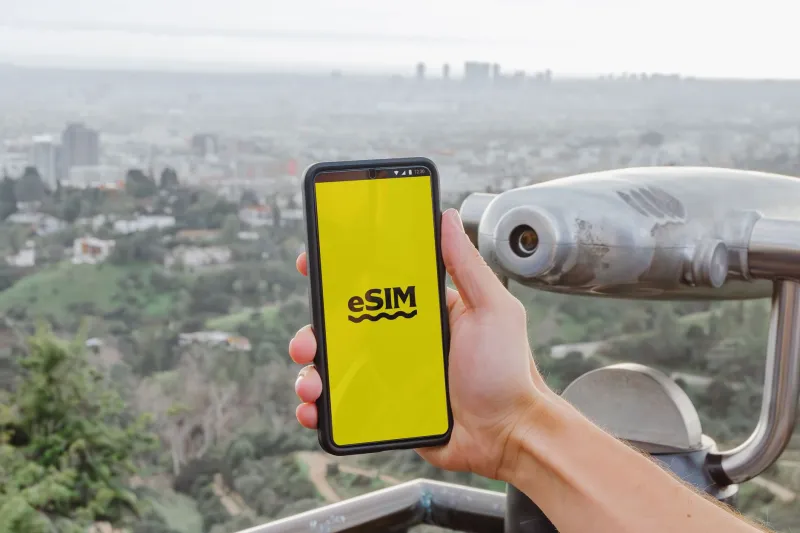
An eSIM is a profile, not a chip. It cannot be removed with a pin, but it can be suspended remotely, and some carriers can transfer it to a new phone. The catch: you usually need to be logged into the carrier app or account to do it. That is why step four matters. If your eSIM is your only line and your account recovery runs through that number, you have built a locked room with the key inside.
The Carrier Call Checklist
Have these ready: account number or postcode, the mobile number, the IMEI, and the SIM serial number if you still have the packaging. Ask for three things: block the SIM, blacklist the IMEI so it cannot be used on UK networks, and note the date and time. If the phone was stolen, report it to the police on 101 and get a crime reference number — insurers usually want it. Action Fraud is for fraud, not lost hardware, but if bank accounts are touched, that is a separate report.
The Backup Number Trap
Here is the uncomfortable bit. Your backup number is only a backup if it is not in the same phone. A second SIM in slot two is not a spare line; it is a second line in the same fire. Keep a cheap PAYG SIM active in a drawer — Lebara, Giffgaff and 1pMobile all do low-cost plans — and use it as the trusted number for Apple, Google and your bank. Top it up once a year so it does not go dormant.
Also, do not make your rescue line the same number you use for every account. If that number is compromised, everything falls. A boring PAYG number that only receives security codes is a good thing.
The Drawer Kit
A small envelope with a printout of your IMEI, both mobile numbers, carrier customer service numbers, your account numbers (not passwords), and the name of your bank's lost-card line. Add a spare SIM and a cheap USB cable. It sounds quaint. It works when your phone does not.
After the Rehearsal
You have just found out whether your two-SIM setup is a safety net or a house of cards. Fix the weak link now: change the trusted number, move the bank passcode, write down the IMEI, and put a spare SIM in the drawer. Then go back to your evening. The drill should take 20 minutes. The real thing, if it ever happens, will take a lot less panic.