Wrist Duty: Assigning One of Your Two Numbers to a Cellular Watch
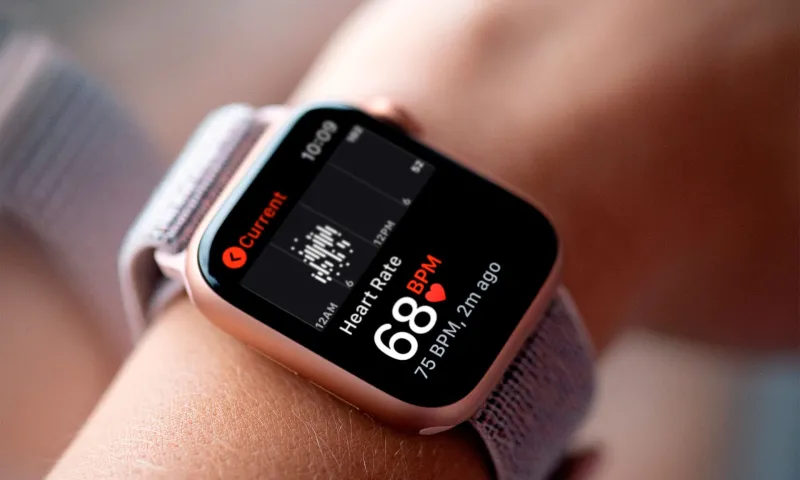
Photo: smartwatch cellular eSIM paired with dual SIM smartphone on desk UK, via t7m8e9c8.delivery.rocketcdn.me
Most dual-SIM advice stops at the phone. The watch is the awkward sequel. You have spent ages deciding which SIM handles work calls, which one carries the family data bundle, and which number gets the bank OTPs. Then you add a cellular Apple Watch or Galaxy Watch and discover the wearable does not want both lines. It wants one. Your job is to pick the right one.
The watch does not get a second SIM slot
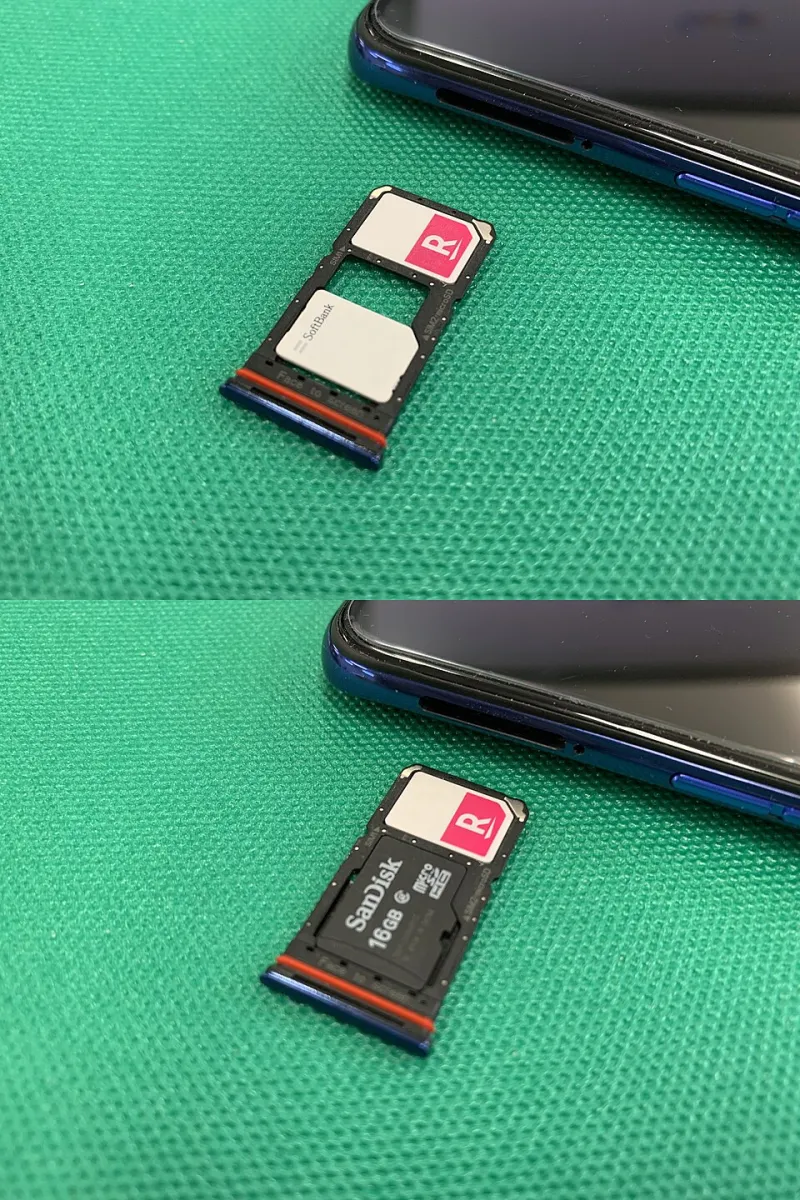
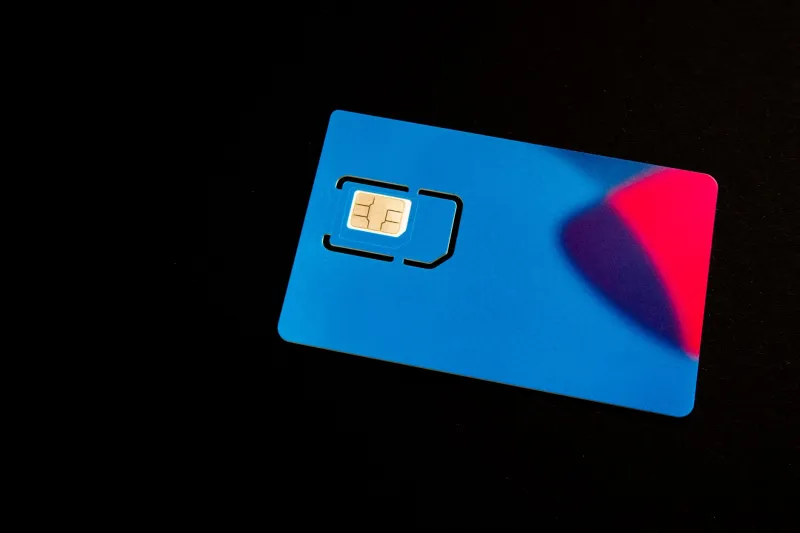
A cellular smartwatch is not a tiny dual-SIM phone. It uses an eSIM that is tied to a mobile plan and, in most UK consumer setups, mirrors or extends a number rather than giving you a completely independent line. On a two-SIM handset, that means the watch is effectively choosing a side.
With an iPhone, the watch pairing process is built around the iPhone’s cellular plan and your carrier’s watch add-on. With a Galaxy Watch, Samsung’s eSIM pairing runs through your carrier’s own watch plan. In both cases, the practical question is the same: which of your two numbers do you want on your wrist when the phone stays in your bag, on the kitchen counter, or at home during a run?
That is not always the number you use most. It is the number you need to answer when your hands are full.
Which UK networks will pair a second line?
The honest answer is: fewer than the adverts imply. EE, O2, Vodafone and Three all support cellular watches in some form, but support for a watch plan attached to a secondary line is patchier. EE and Vodafone tend to be the most flexible for multi-line accounts, especially if you are adding a watch to an existing pay-monthly plan. O2 and Three can be more restrictive, often tying watch pairing to the main or lead number on the account. MVNOs — the likes of Giffgaff, Smarty, Lebara and iD Mobile — are mostly a no for native watch cellular pairing, even where they offer cheap eSIMs for phones.
Do not rely on a shop assistant’s memory or a web page that has not been updated since the last product launch. Ask three specific questions before you buy the watch plan:
- Can this watch eSIM be attached to my second line, not just the main number on the account?
- Will calls and texts to that second number ring the watch when the phone is switched off or out of Bluetooth range?
- Does the watch plan include roaming, or is that a separate add-on?
Get the answers in writing, or at least in an email confirmation. Network rules change, and the person who sold you the watch may not be the person fixing the mess later.
What happens to the number you leave behind
This is where people get surprised. If you pair the watch to your personal SIM, calls and SMS to your personal number should reach the watch when it is untethered. Calls and texts to your work SIM will not. They stay with the phone. The watch has no idea your phone has a second line, and it will not magically forward the other number’s calls.
Some networks offer call forwarding, but that is a separate setting and often costs extra. You can forward the work line to the personal line while you are out, but then you are mixing the two identities you carefully separated. For most people, the cleaner answer is to accept that the watch is a one-line device and choose the line that needs wrist duty.
There are softer edges. iMessage and FaceTime can ring multiple Apple devices signed into the same Apple ID, so an iPhone user may still get blue-bubble messages on the watch even when the watch is paired to the other line. SMS to the non-paired number will not arrive. WhatsApp notifications may mirror from the phone over Bluetooth or Wi-Fi, but they are not an independent watch line. And bank OTP texts sent to the SIM that stayed in the phone will not appear on your wrist. If your second line is your banking line, think carefully before leaving it behind.
Data, roaming and battery life
A cellular watch with its own plan can use mobile data independently. That is the point of paying for the watch add-on. But the data does not always come from the same allowance as your phone, and roaming is a separate question. A watch plan that works brilliantly on a UK walk may refuse to connect in Spain if the roaming add-on only covers the phone SIM.
Check the watch plan’s roaming terms before your next trip. If the watch cannot roam, it becomes a very expensive step counter once you leave the UK. Also expect battery life to drop when the watch is relying on its own cellular signal rather than Bluetooth to your phone. A hour of untethered calls and streaming can take a noticeable bite out of a small watch battery.
Pre-pairing checklist
Before you start the pairing process, get these bits straight:
- Confirm your phone is unlocked and your carrier supports watch pairing on the specific line you want to use.
- Decide which number gets wrist duty: personal, work, or a separate travel line.
- Check whether the watch plan needs its own eSIM slot or whether it lives alongside your phone’s existing eSIM setup.
- Make sure the line you are pairing is the one you actually want to answer when the phone is at home.
- Ask whether calls to the other line can be forwarded, and what that costs.
- Check roaming cover for the watch plan, not just the phone plan.
- If the line is owned by your employer, get permission before you clone it onto a personal wearable.
- Label the watch plan clearly in your phone settings so you do not confuse it with the phone’s second SIM.
The test call plan
Do not trust the setup screen. Run a proper test before you rely on the watch.
- Leave the phone at home, switched off or in aeroplane mode, and walk far enough away that Bluetooth is definitely out.
- Call the paired number from another phone. The watch should ring. Note how long it takes.
- Call the other number. The watch should not ring. If it does, you have paired the wrong line or set up forwarding without realising.
- Send an SMS to the paired number. It should arrive on the watch. Send one to the other number and confirm it does not.
- Send an iMessage or WhatsApp message and check what actually appears. Messaging behaviour is messier than calls.
- Open a maps app or stream a short track over cellular data to prove the watch plan is live.
- Leave a voicemail on the paired line and check where the notification lands.
- Repeat the call test once more after a reboot, because pairing glitches love a restart.
If the watch rings for the wrong number, stop and fix it before you leave the house in a hurry. A wearable that answers the line you did not intend is worse than no wearable at all.
The verdict
Pair the watch to the number that needs to be reachable when your hands are busy and your phone is not nearby. For some people that is the personal line; for others it is the work line, provided IT agrees. Do not port your main number just to make a watch plan work, and do not assume a cheap second SIM will support watch pairing simply because it supports eSIM in a phone.
The watch is a one-line gadget living in a two-line world. Choose its line deliberately, test it properly, and you will avoid the classic dual-SIM shrug: “I thought the watch would ring.”